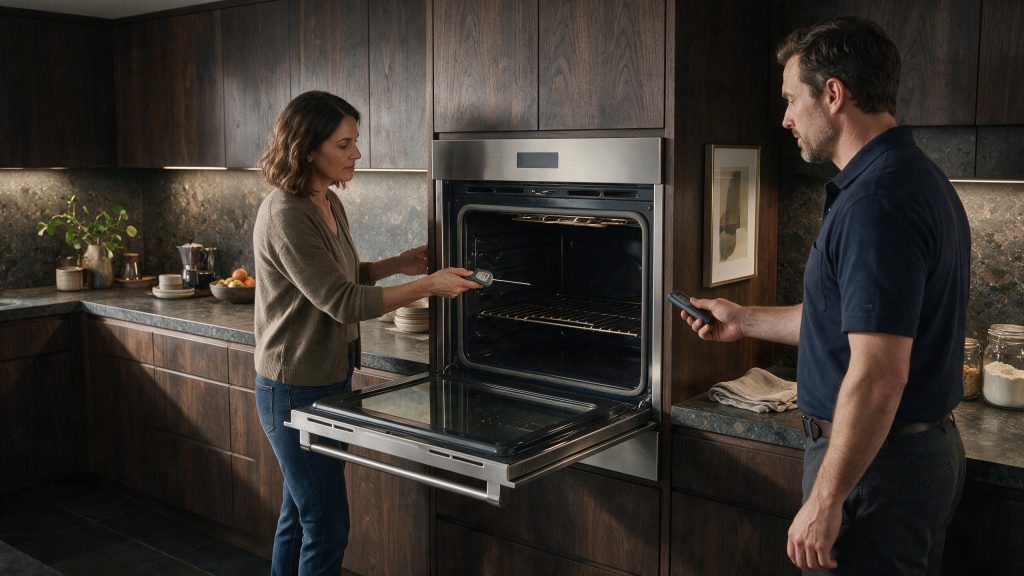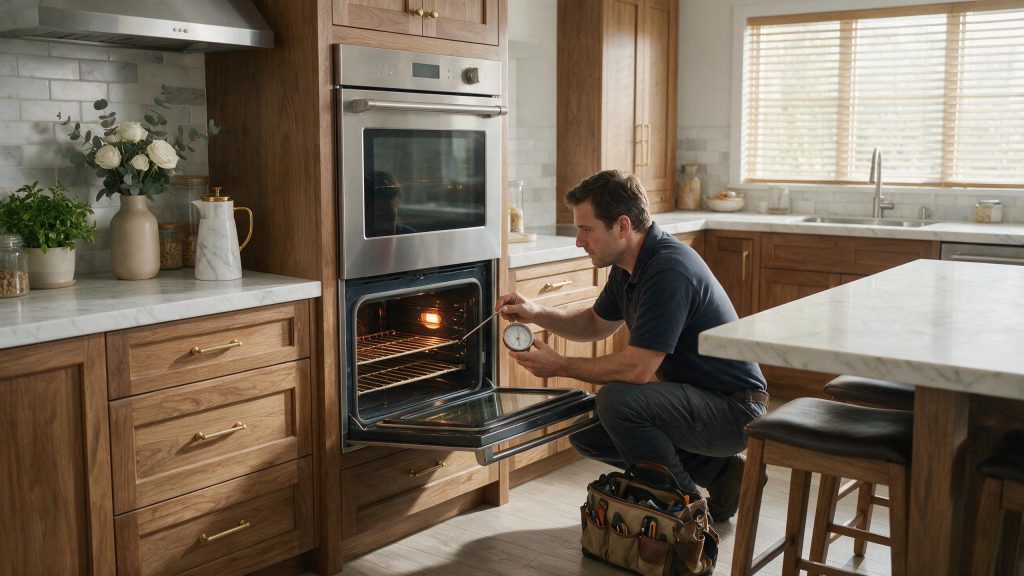



Slow preheating can result from mode selection, repeated door opening, a weak heating component, temperature-sensor error, voltage problems, or heat escaping through the door.
Preheat time varies with oven size, starting temperature, mode, and target temperature. A noticeable change from the oven's previous behavior is more useful diagnostically than comparing it with a different brand or model.
If your appliance is still operating, avoid jumping directly to a parts replacement. Start with the simple conditions you can verify safely, then use the remaining symptoms to decide whether the issue is likely to need professional testing.
More than one condition can be present at the same time. For example, a small airflow restriction can become a noticeable cooling problem during hot weather, or a dirty burner can become difficult to ignite immediately after a spill. The model number and the exact sequence of symptoms matter.
Do not remove energized panels, bypass safety switches, modify gas components, or continue operating an appliance that is leaking, overheating, repeatedly tripping a breaker, or producing a persistent gas odor.
There is no single preheat time that applies to every DCS oven. Record the model, starting temperature, target temperature, mode, and approximate time. A repeatable change from normal performance is more useful than saying the oven feels slow.
This detail is useful because it changes the diagnostic direction. Note what the appliance was doing immediately before the symptom appeared, whether the problem is constant or intermittent, and whether another function still works normally.
A single controlled restart can be useful when an electronic control appears frozen or the problem followed a brief power interruption. Use the normal appliance disconnect, power button, or breaker only when the user guide allows it.
A reset does not repair a recurring mechanical, gas, water, heating, refrigeration, sensor, wiring, or electronic problem. If the same symptom returns after normal operation resumes, repeated power cycling is more likely to delay diagnosis than solve the issue.
If preheat time has suddenly doubled, the oven never reaches set temperature, or one mode no longer produces heat, schedule diagnosis.
Home troubleshooting should stay limited to owner-accessible cleaning, settings, loading, ventilation, visible hoses, cookware, and other checks specifically intended for the user. Internal electrical testing, gas-pressure work, sealed refrigeration work, and powered mechanical repairs require appropriate training and equipment.
For this oven issue, maintenance is useful when it preserves clean airflow or water flow, correct sealing and assembly, normal loading, and stable utility conditions.
Use the exact DCS model instructions for user-removable filters, burner parts, spray components, seals, and cleaning methods. If the symptom returns after correct care, the next step is diagnosis rather than more aggressive cleaning or repeated resets.
Keep a short record of what was cleaned or adjusted, whether performance improved, and how quickly the symptom returned.
If the basic checks do not change the symptom, a technician can test the relevant oven components under operating conditions instead of replacing parts by guesswork. When you book service, provide the full DCS model number, serial number, any displayed code or light pattern, and a short description of when the problem occurs. That information helps narrow the correct product generation and diagnostic procedure.
Professional diagnosis is especially worthwhile when the symptom is intermittent. A technician can often use model-specific service information, component measurements, and stored diagnostic information that are not available from a visual inspection alone.
DCS wall oven repair for no heat, slow preheat, temperature problems, self-clean locks, sensors, controls, and legacy or modern F-codes.
It depends on model, cavity size, mode, starting temperature, and target temperature. The user guide is the best reference for normal operation.
Yes. Electric heating requires the correct supply. A power problem should be checked safely by a qualified person.
A sensor that reports inaccurately can affect how the control manages heat, though other components can cause the same symptom.
A DCS oven can have lights and working controls but still fail to heat because the heating system, temperature sensing, power supply, door inputs,…
If a DCS oven consistently runs hot or cold, verify the pattern with proper testing before adjusting calibration. Large temperature errors can indicate a…
A DCS oven door normally remains locked while self-clean temperatures are unsafe. If it stays locked after the oven cools, the lock mechanism, position…
Share a few details and we’ll confirm an appointment. Prefer to talk? Call us and we’ll help right away.
Fields marked with * are required.