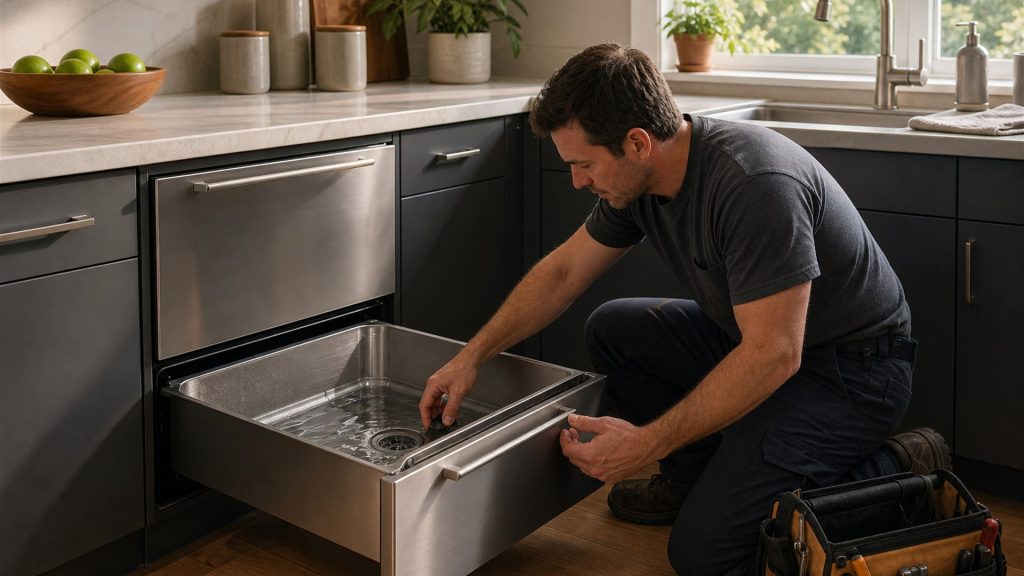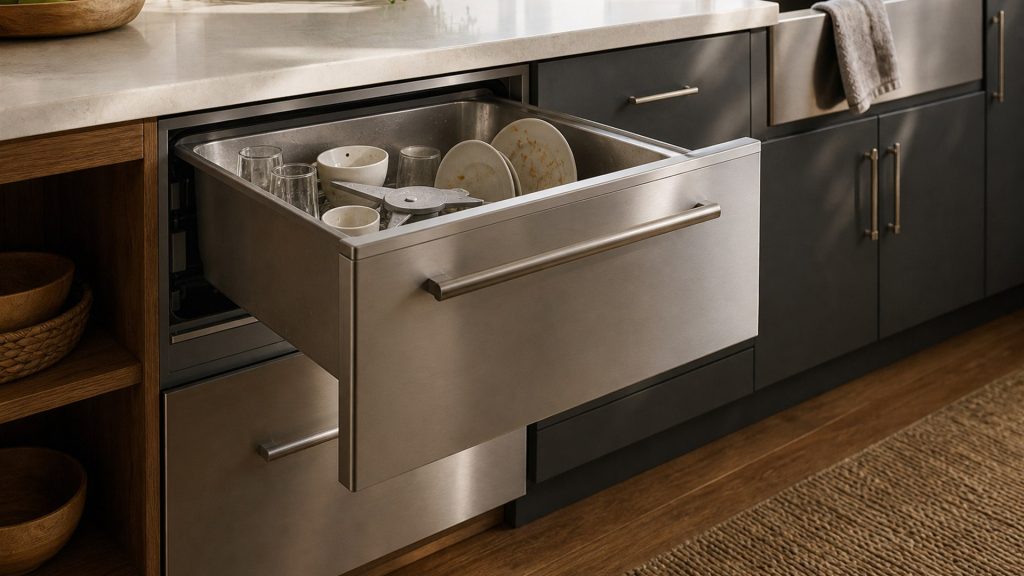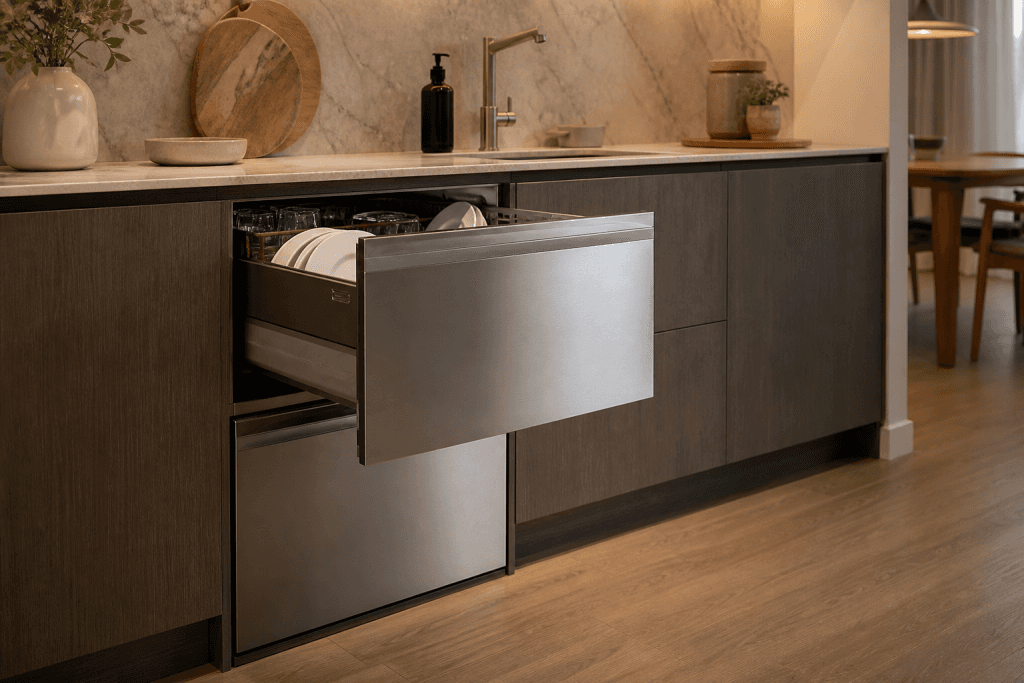

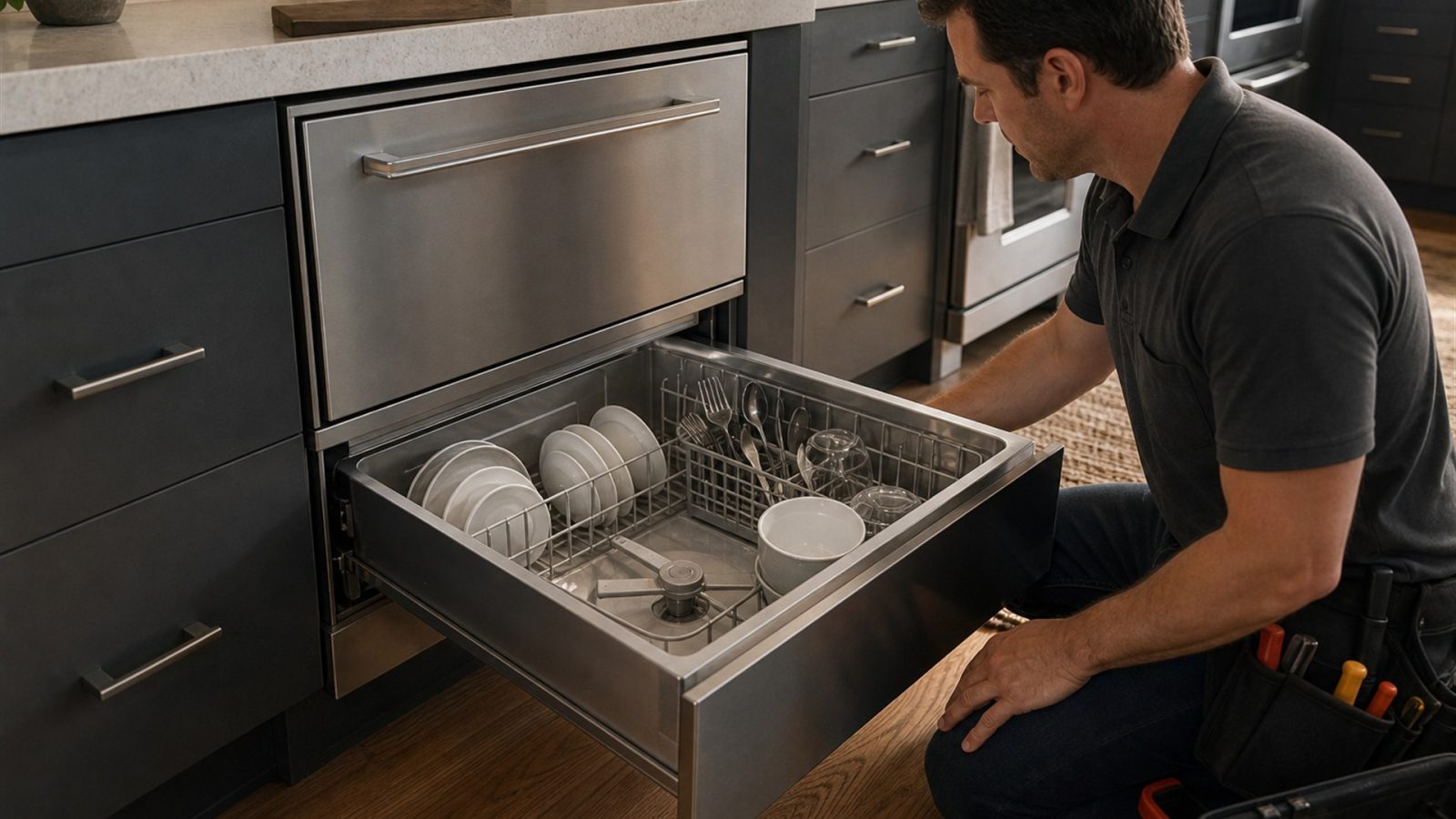
If a DCS DishDrawer starts but does not fill, check the household water supply, inlet hose, pressure, and simple restrictions before testing valves or electronics.
A DishDrawer cannot wash if the control calls for water but the drawer never receives enough. No fill, very slow fill, and intermittent fill are slightly different symptoms and should be described separately.
If your appliance is still operating, avoid jumping directly to a parts replacement. Start with the simple conditions you can verify safely, then use the remaining symptoms to decide whether the issue is likely to need professional testing.
More than one condition can be present at the same time. For example, a small airflow restriction can become a noticeable cooling problem during hot weather, or a dirty burner can become difficult to ignite immediately after a spill. The model number and the exact sequence of symptoms matter.
Do not remove energized panels, bypass safety switches, modify gas components, or continue operating an appliance that is leaking, overheating, repeatedly tripping a breaker, or producing a persistent gas odor.
No fill can involve supply, a valve, wiring, or control. Slow fill points more strongly toward pressure or restriction, though a weak valve can also be involved. Note whether the problem started suddenly or gradually.
This detail is useful because it changes the diagnostic direction. Note what the appliance was doing immediately before the symptom appeared, whether the problem is constant or intermittent, and whether another function still works normally.
A single controlled restart can be useful when an electronic control appears frozen or the problem followed a brief power interruption. Use the normal appliance disconnect, power button, or breaker only when the user guide allows it.
A reset does not repair a recurring mechanical, gas, water, heating, refrigeration, sensor, wiring, or electronic problem. If the same symptom returns after normal operation resumes, repeated power cycling is more likely to delay diagnosis than solve the issue.
If the fill valve buzzes but no water enters, water leaks from a connection, or the same fill code returns, schedule service.
Home troubleshooting should stay limited to owner-accessible cleaning, settings, loading, ventilation, visible hoses, cookware, and other checks specifically intended for the user. Internal electrical testing, gas-pressure work, sealed refrigeration work, and powered mechanical repairs require appropriate training and equipment.
Change one condition at a time and record the result. Confirm the operating mode or setting, compare a related function that still works normally, perform one safe external check, and then reassess.
If the same symptom remains, do not keep adding resets or random parts. Record the complete model number and any displayed code before power is interrupted.
If the basic checks do not change the symptom, a technician can test the relevant dishdrawer components under operating conditions instead of replacing parts by guesswork. When you book service, provide the full DCS model number, serial number, any displayed code or light pattern, and a short description of when the problem occurs. That information helps narrow the correct product generation and diagnostic procedure.
Professional diagnosis is especially worthwhile when the symptom is intermittent. A technician can often use model-specific service information, component measurements, and stored diagnostic information that are not available from a visual inspection alone.
DCS DishDrawer repair for draining, filling, leaking, beeping, lid, motor, spray-arm, cleaning, and generation-specific error-code problems.
On supported DishDrawer generations, U1 is associated with a water-fill or no-water condition.
Yes. The appliance must receive adequate water within the expected time.
Only follow user-service procedures listed for your exact model. Internal valve testing involves water and electrical connections.
Standing water in a DCS DishDrawer can come from a blocked filter, restricted drain hose, sink connection, pump obstruction, or a drain-system component issue.
Poor cleaning in a DCS DishDrawer is often connected to loading, spray-arm movement, filters, detergent, water temperature, or reduced wash circulation.
Repeated beeping from a DCS DishDrawer can indicate an open drawer, a detected error, a water or drainage problem, or a control input that…
Share a few details and we’ll confirm an appointment. Prefer to talk? Call us and we’ll help right away.
Fields marked with * are required.